

Product details
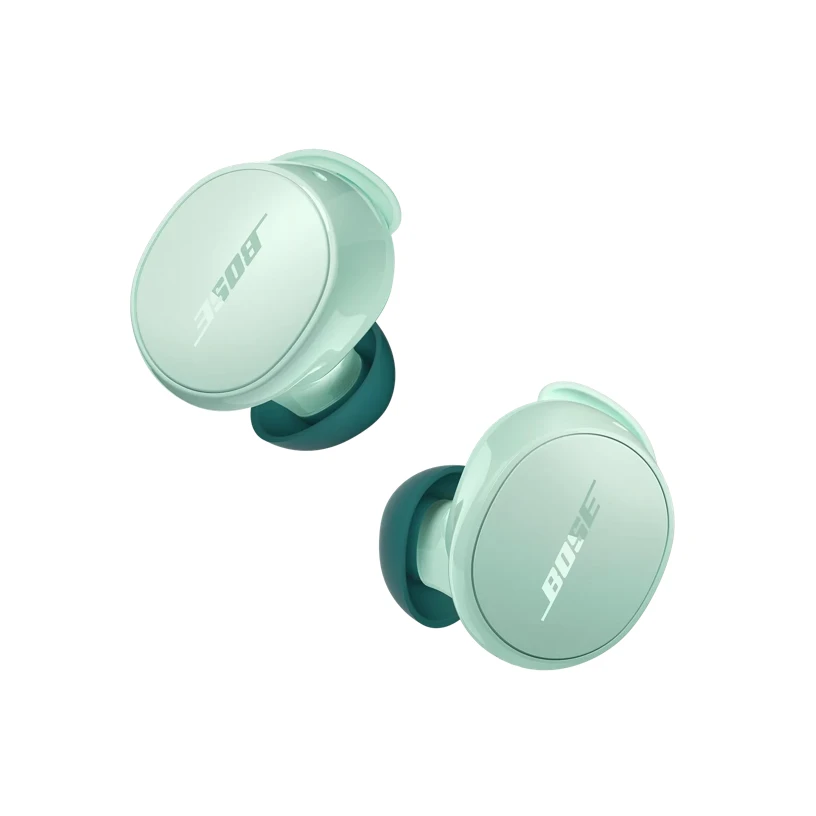
What’s in the Box
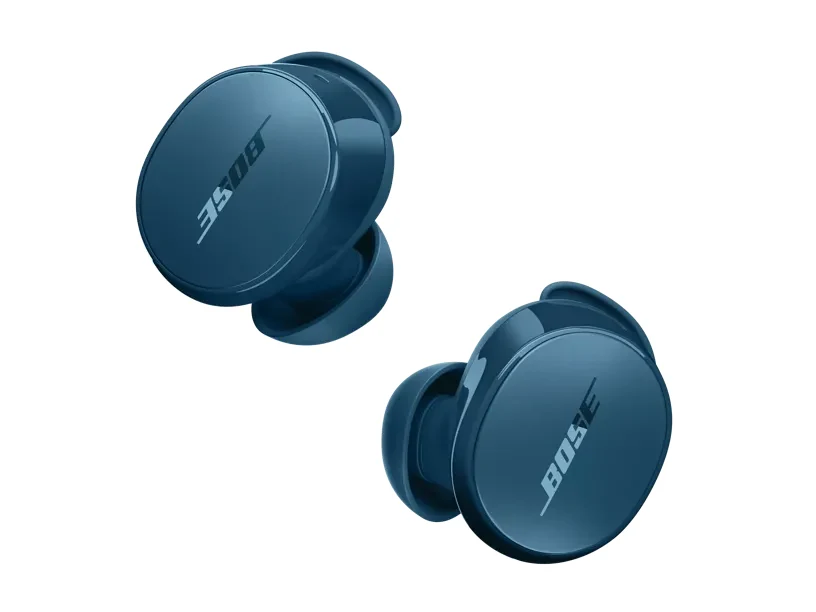
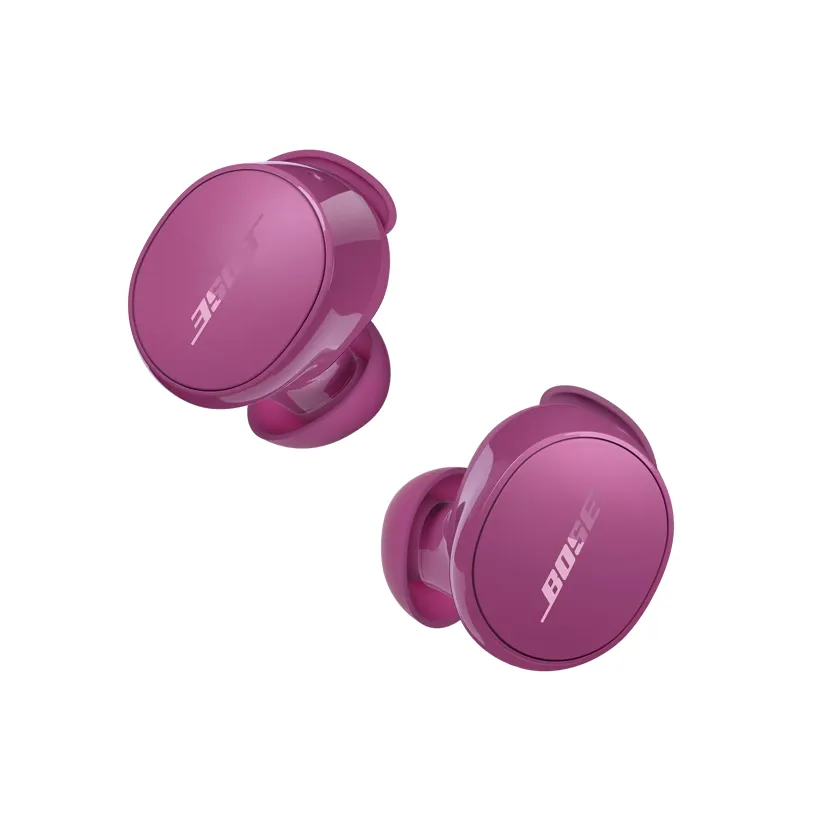
2 Bose QuietComfort Earbuds
Charging case
USB-C cable (USB-A to USB-C, 12″)
Fit Kit (Small, Medium, and Large eartips & stability bands for each earbud)
Safety sheet
Technical Specifications
| Headphone Fit | In Ear |
|---|---|
| Microphones | Built-in Microphone |
| Noise Cancelling | Yes |
| Noise Control Type | Adjustable Noise Cancelling |
| Water Resistant | IPX4 |
| Bud Single | 1.14″ H x 0.99″ W x 0.83″ D (0.024 lb) |
| Case | 1.38″ H x 2.76″ W x 1.9″ D (0.104 lb) |
| Entire Product System | 1.38″ H x 2.76″ W x 1.90″ D (0.152 lb) |
| Product Material | Plastic (PC-ABS), Silicone, Metal |
| Rechargeable | Yes |
| Battery Life | 8.5 hours |
| Battery Charge Time | 1.5 hours |
| Charging Accessory included | Yes |
| Charging Interface(s) | USB C PORT |
| Wireless Connectivity | A2DP Bluetooth Audio Streaming, HFP Bluetooth, AVRCP Bluetooth |
| Bose App | Bose QCE App |
FAQ's
How do I know which product is right for me between QuietComfort Ultra Earbuds and QuietComfort Earbuds?
QuietComfort Ultra Earbuds offer our most premium design and most advanced technologies for the best Bose listening experience in an earbud. With our QuietComfort Ultra Earbuds, you will enjoy our most personalized listening experience with CustomTune technology and our best earbud noise cancellation, audio quality, and voice pickup. In addition, you’ll have access to our highest quality features, including customizable listening modes, Spotify Tap, SimpleSync (for use with compatible Bose soundbars/speakers), Snapdragon Sound, and Google Fast Pair (for compatible Android devices).
Our QuietComfort Earbuds offer a great everyday listening experience with sound that is powerful, not precious, and feature excellent noise cancellation. In addition, with our QuietComfort Earbuds you get customizable shortcuts and voice command via the Bose QCE app.
Why can't I use the Bose app with my QuietComfort Earbuds?
The Bose QCE app has been designed to work with our Bose QuietComfort Earbuds. With this app you get the same standard features of the Bose app: EQ adjustment, adjustable ANC, Voice Assistant, Tap Control Customization, Custom Product Naming, Update Notifications; plus, additional features including: Listening & Call Battery Prediction, Remote Selfie, and Voice Command.
What are Smart Calls?
Smart calls refer to several features of the QuietComfort Earbuds:
- Voice Commands: Answer/reject phone calls through voice control.
- Side Tones: Hear yourself speak on calls or in-game chats with adjustable voice amplification. This can be turned on or off in the Smart Calls feature card of the Bose QCE app.
- Activate Announce Calls: This allows you to hear the caller’s name whenever you get a call. Directions to enable are in the Smart Calls feature card of the Bose QCE app.
- Touch Controls: Touch Controls for calls can be customized in the Smart Calls feature card of the Bose QCE app.
What is Voice ID?
When enabled, Voice ID allows you to calibrate your headphones to your own unique voice to improve performance and accuracy of Voice Control. To set up Voice ID, select Start Calibration in the Voice Control feature card of the Bose QCE app. This will walk you through a quick process to set up Voice ID. After calibrating Voice ID you can choose to enable or disable Voice ID in the Bose QCE app.
Can I customize my controls?
Single tap, double tap, triple tap, and press and hold are all configurable buttons in the Bose QCE app. This can be done through the Touch Controls feature card or within specific product setting feature cards.
Can I use voice control?
The Bose QuietComfort Earbuds have voice control available in the Bose QCE app. The app needs to be opened, but can be in the background, to use the voice control. Voice control can be used to:
Play and pause music
Skip forward
Skip back
Increase and decrease volume
Change noise control setting
Change spatial audio setting
Take a photo
Access native voice assistant
Answer and end phone calls
Can I use just one bud?
Yes, you can use either the left or right bud independently for listening or for phone calls. Controls on your bud will remain as when you are using both buds, and any shortcuts you have set will remain as you have set them. For optimal noise cancelling performance, both buds should be used together.
Can the case be charged wirelessly?
Yes. You can use a compatible third-party wireless charger (not provided) to charge the case.
What does the light on the charging case mean?
When the earbuds are not in the case and the case is not plugged in, the LED color indicates the charging case battery status:
Solid green (5 seconds): high charge (81 – 100%)
Solid amber (5 seconds): medium charge (30 – 80%)
Solid red (5 seconds): low charge (1 – 29%)
When the earbuds are in the case, but the case is not plugged in, the LED color indicates the earbuds battery status:
Solid green (5 seconds): fully charged
Slowly pulses amber (5 seconds): charging
Can QuietComfort Earbuds take phone calls?
Yes. Bose QuietComfort Earbuds have an adaptive microphone system that allows you to use them during calls when connected to any smartphone. In addition to traditional calls, the earbuds work with many apps that use Voice over Internet Protocol (VoIP), such as Teams, Zoom, or FaceTime. The microphone system adapts to your environment to isolate your voice from competing background noises and wind. In addition, self-voice (adjustable in the Bose QCE app settings) allows you to hear yourself naturally, as if you weren’t wearing earbuds at all, so you can monitor the volume of your voice and minimize the effects of speaking while wearing earbuds.
Are the ear tips and stability bands interchangeable between QuietComfort Earbuds and QuietComfort Ultra Earbuds?
The eartips on the QuietComfort Earbuds and QuietComfort Ultra Earbuds are interchangeable, but the stability bands are not due to differences in the mechanical design.
How do I use the remote selfie control?
You can use your QuietComfort Earbuds to take a selfie once configured via the Bose QCE app. In the Remote Selfie feature card in the Bose QCE app you can choose to take a photo while wearing your earbuds through voice control and/or by updating one of the gestures. If using voice commands, open your camera app and say “Hey Headphones, Take Photo” and your phone will snap a photo. If using a customized touch control, do this gesture while the camera app is open to take the photo.
Instructions can also be found in the Bose QCE app when you select the Remote Selfie feature card.
Can I use QuietComfort Earbuds to connect to a Bose soundbar or speaker?
The Bose QuietComfort Earbuds can be connected to a Bose soundbar or speaker as a SimpleSync device; however, they have not been fully optimized for a seamless audio and video Bluetooth connection.
What is Google Fast Pair?
Google Fast Pair is a feature that lets you bypass your Bluetooth settings so you can easily and quickly pair your device with your earbuds. It detects your device when it's nearby and automatically prompts you to pair your earbuds.
 Bose Apps
Additional information
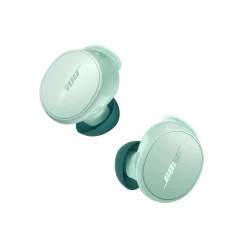
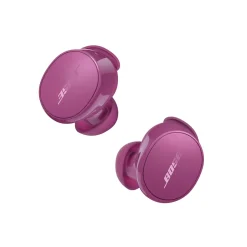
| Color | Black, Chilled Lilac, Dewdrop Mint, Ice Blue, Petal Pink, Rosewood Mauve, Twilight Blue, White Smoke |
|---|
Reviews (0)
Only logged in customers who have purchased this product may leave a review.
Related products
New
Original price was: ฿18,480.00.฿15,290.00Current price is: ฿15,290.00.
New
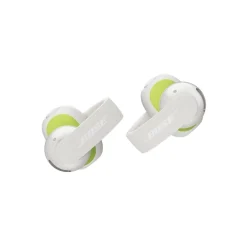
Black
Eucalyptus Green
White
Earbuds
Original price was: ฿6,990.00.฿6,290.00Current price is: ฿6,290.00.
New
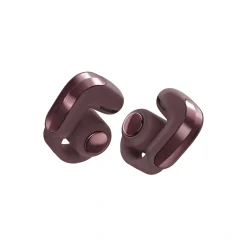
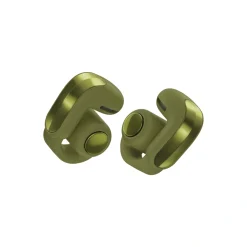
Black
Cherry Chocolate
Olive Green
White
Original price was: ฿11,490.00.฿10,340.00Current price is: ฿10,340.00.
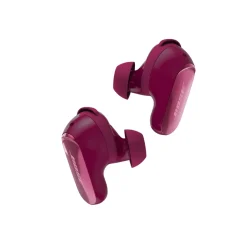
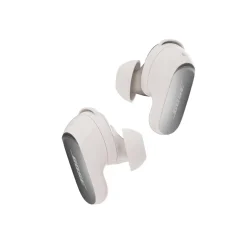
Black
Deep Plum
Desert Gold
Midnight Violet
White Smoke
฿11,490.00
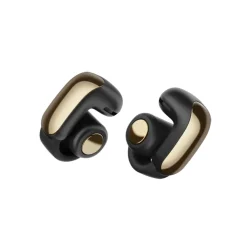
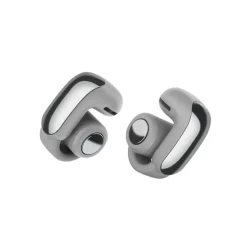
Black
Desert Gold
Diamond 60th Edition
Driftwood Sand
Midnight Violet
Moonlight Grey
Moonstone Blue
Sunset Iridescent
White Smoke
Earbuds
Original price was: ฿11,490.00.฿9,190.00Current price is: ฿9,190.00.
Reviews
There are no reviews yet.